
How to setup an Account
Registration
In order to use our services, you will need to setup an account. This is done by simply clicking the Register button and completing the required fields;
- First Name
- Last Name (Surname)
- Username (A meaningful way of identifying you anonymously)
- Email (You may be asked to confirm your registration request, so please ensure this is entered correctly)
- Password - Please ensure you use a strong password using a combination of either numbers, alpha characters, capital letters and special symbols or three word (without spaces), again using capital letters and consider replacing O or 0 (alpha to numeric). Password strength will be checked and if not deemed strong enough you may be asked to input another choice of password.
- Re-confirm the password after it has been checked as above.

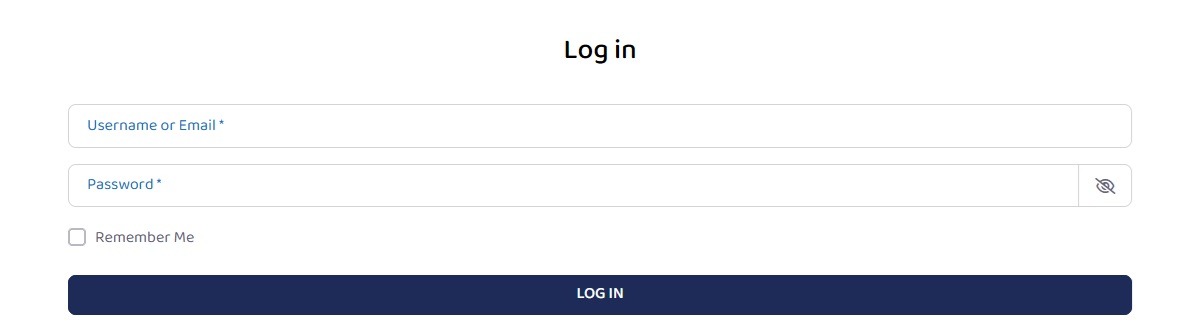
Login
Once your registration has been completed you can login and simply enter your:
- Username or email used during the registration process
- Password
Account Page
The Account Page will let you:
- Edit your account details
- Change your password
- Receive notifications from the admin team or system generated messages concerning your account
- Privacy - an option to hide your information from other using the system
- Invoices; view and download
- Subscriptions; view, renew or cancel
- Billing Address; view or edit
- WP-2FA; setup two factor authentication for the areas requiring this
- Logout; log out of the system
